
Original AI photo studio · Sign in with Google · Use credits
Make a Sheru Bhai AI Photo With the Lion Boss
Keep your look and pose beside a fictional lion boss. Upload a photo, choose a scene, and generate a paid-resolution image with credits.
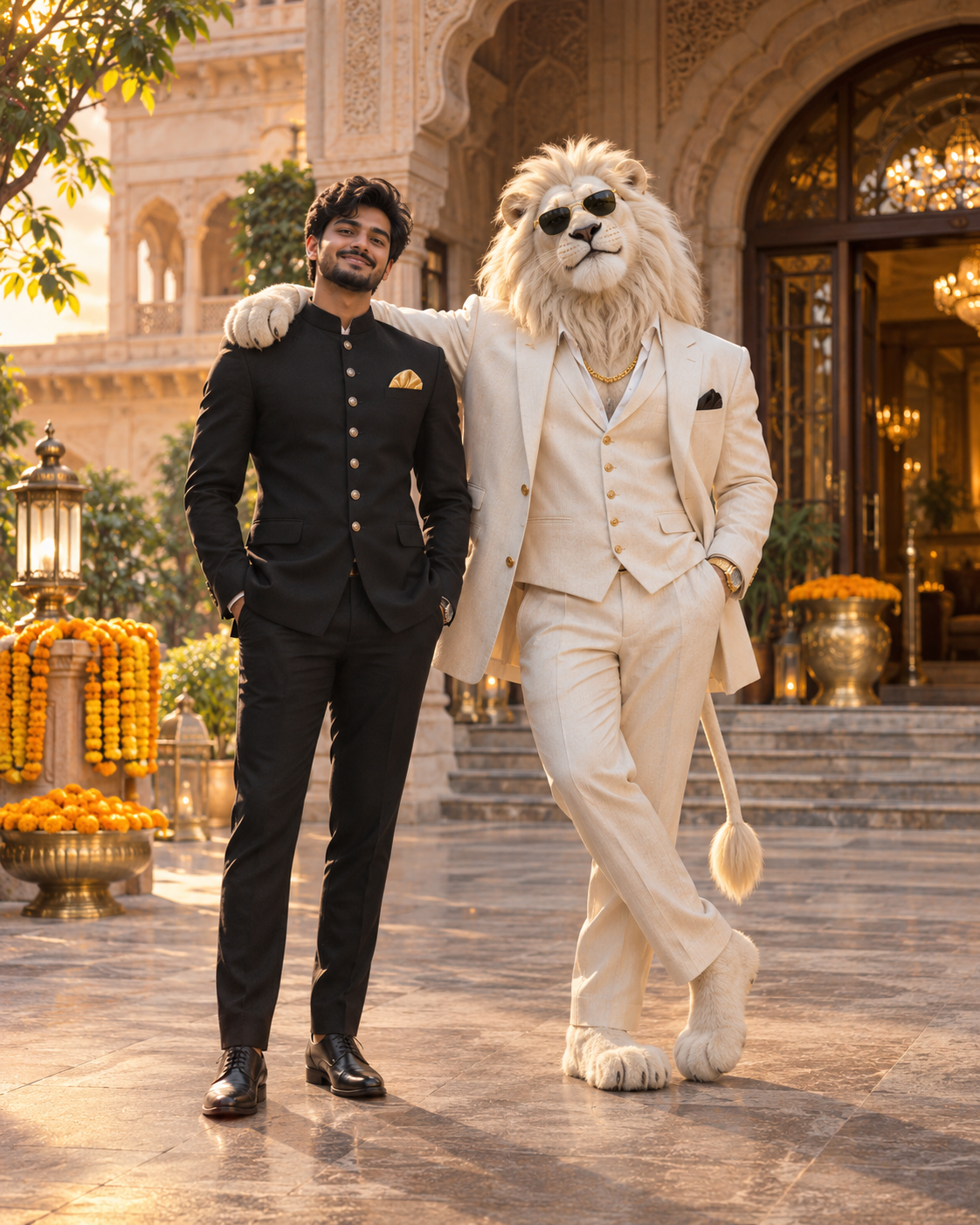
You can review the photo maker here. Generation opens after site setup is complete.
1. Upload your photo
Your photo is sent to SeeAPI for generation. Temporary uploads are deleted after 24 hours.
2. Choose a duo scene
You stay the human subject beside the original lion boss character.
Use a front-facing photo where your face is visible and evenly lit. JPG, PNG or WebP works best.
Choose a lion look and setting. You remain the human subject beside the fictional lion boss.
Sign in with Google, choose 1K, 2K or 4K, and spend the matching number of credits.
Sheru Bhai photo examples
The first image shows the person-and-lion duo scene. The other cards show original character and scene references.
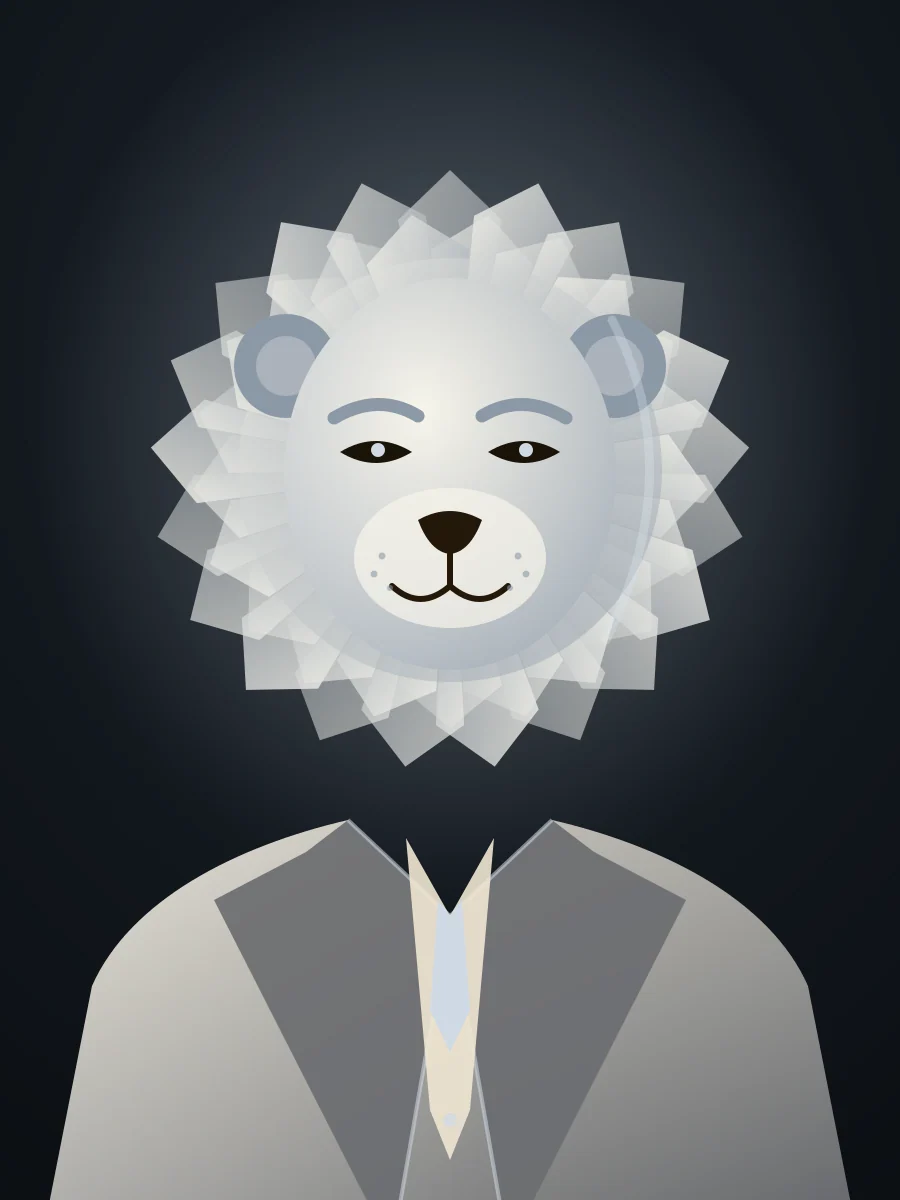
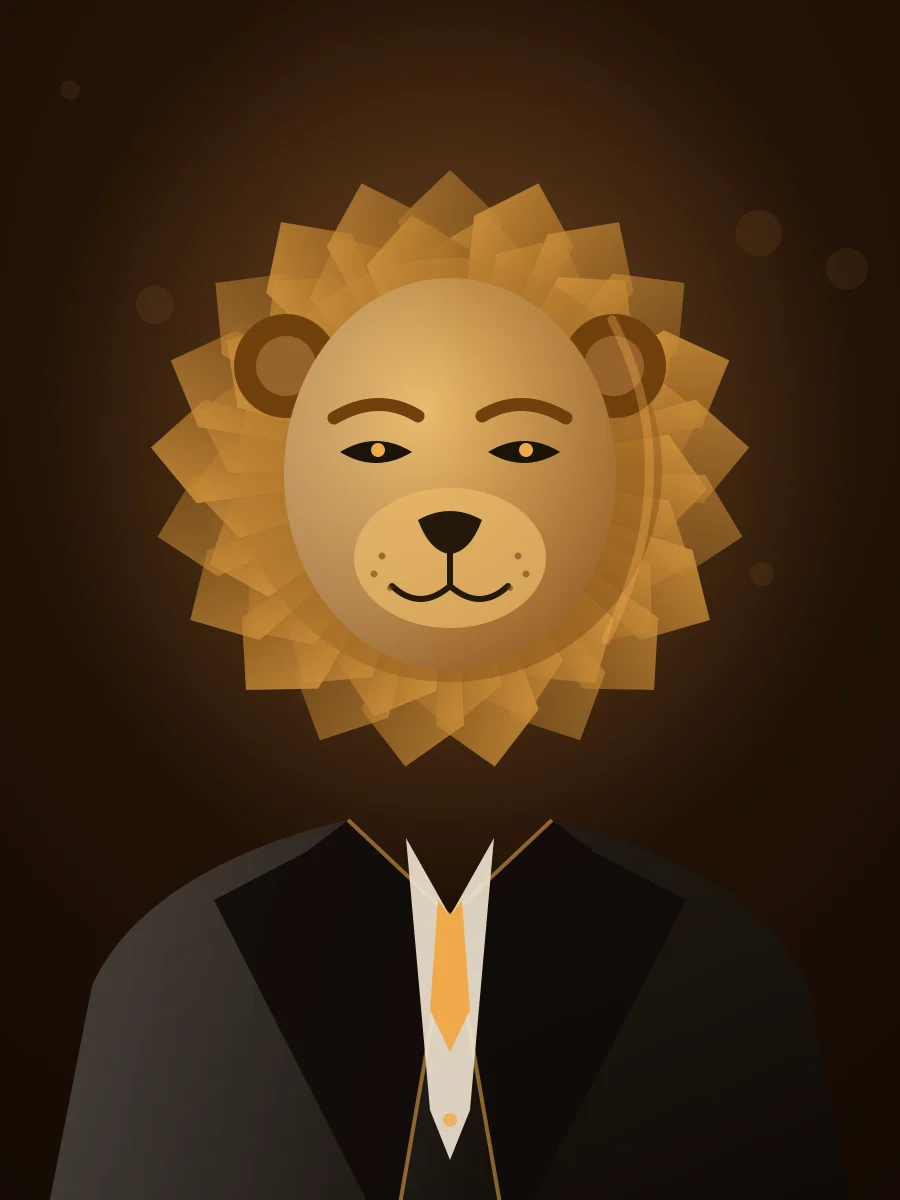
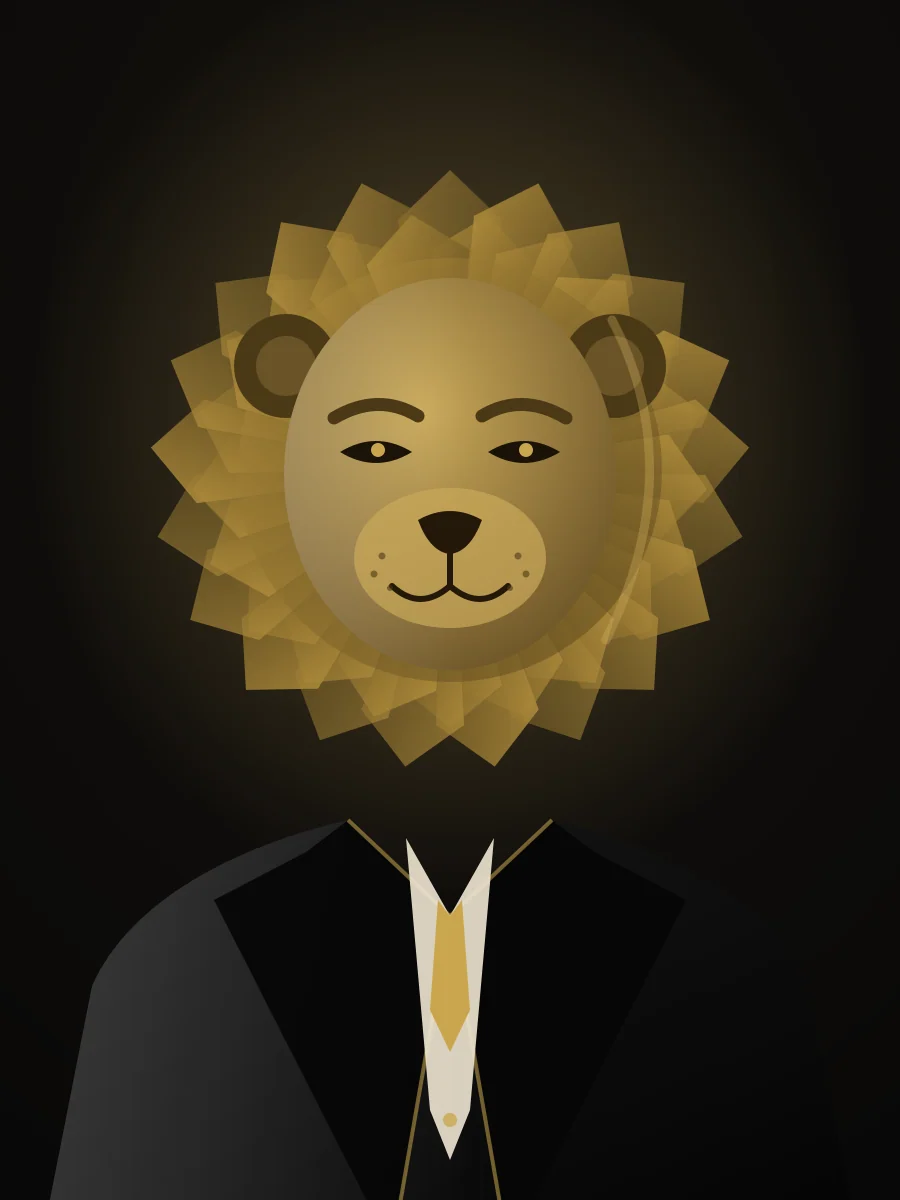
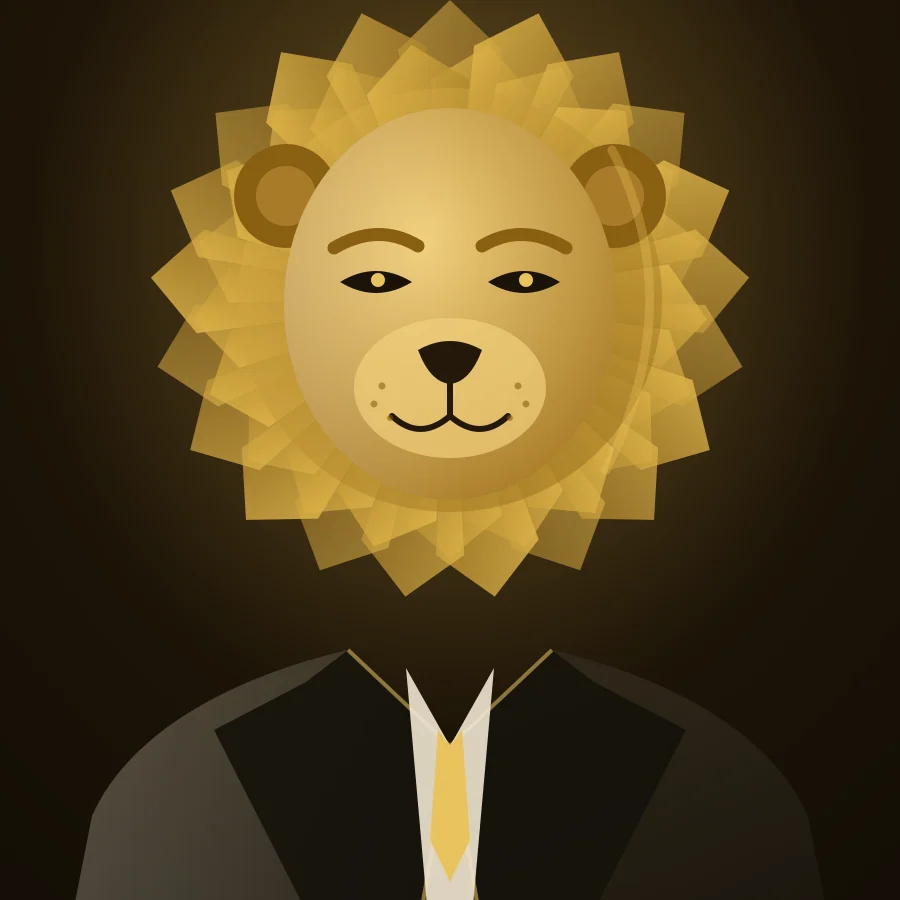
A Sheru Bhai photo is a portrait of you standing beside an original, fictional lion boss in a tailored suit. The photo maker uses your selfie as the human subject and places the lion character in a chosen scene. It is a fan-made interpretation of an online AI character trend, not an official preset or an image from the original creator.
Choose a clear, front-facing photo with your face visible and evenly lit. A single-person selfie gives the image model a cleaner reference than a group photo, a heavy filter, or a side profile. Pick a scene such as a palace entrance, a warm studio, an auction room, or a dark luxury setting. The built-in scene instructions handle the image prompt, so you do not need to write one.
Create a photo in three steps
- Upload a selfie in JPG, PNG, or WebP format.
- Choose the lion look and setting that fit the result you want.
- When generation is enabled, sign in with Google, buy credits, and choose a paid resolution.
The image area is designed for a vertical portrait. Keep both faces in frame and leave a little room around them if you plan to use the result as a WhatsApp display picture or a social profile image. AI results can vary; an image model cannot guarantee an exact likeness.
Pick a scene that suits your photo
The Golden Boss scene pairs an original golden lion boss with an ivory suit, a subtle gold chain, and warm studio lighting. The White Lion scene uses a friendly white lion character in a palace hotel setting. Auction Room adds chandelier light and a grand indoor backdrop. Luxury Night uses a dark studio mood with city lights. Each scene keeps the person and lion as two separate subjects.
For a natural-looking result, use one simple scene and a clean reference selfie. Avoid sunglasses, face coverings, strong beauty filters, or several people in the frame when you want the human face to stay recognizable. A quiet background also makes it easier to see both subjects.
About the artwork
Sheru Bhai is used here as the name of a fictional, human-like lion boss in AI trend content. This site is independent and is not affiliated with, endorsed by, or connected to the original creator. The lion character designs shown here are original fan-made artwork or AI renders made from prompts written for this site. They are not official presets.
When generation is enabled, your selfie and selected scene are sent to SeeAPI for image generation using GPT Image 2. Temporary uploads are deleted after 24 hours; generated results may remain in account work history. See the Privacy Policy for provider details. Generation is currently paused until Google sign-in and payments are configured.
Frequently asked questions
How does payment work?
The new flow uses Google sign-in and one-time credit packs. Generation and payment are not enabled yet; see pricing for the planned packs.
Do I need to write an AI prompt?
No. Choose a scene and the tool supplies the image instructions.
Can I use my own photo?
Yes. Upload a clear selfie in JPG, PNG, or WebP. Do not upload a photo unless you have the right to use it.
Will I look exactly the same in the result?
The model aims to preserve your face and appearance, but generative images can change small details. Exact likeness is not guaranteed.
Do I need an app?
No app is needed. Use the photo maker in a modern mobile or desktop browser.
Is generation available now?
No. The photo maker is being prepared and will open after the AI provider and privacy settings are complete.
Does this site belong to the original character creator?
No. It is an independent fan-made project and is not an official site.